Local tracing in the DataRobot CLI: catch issues before production
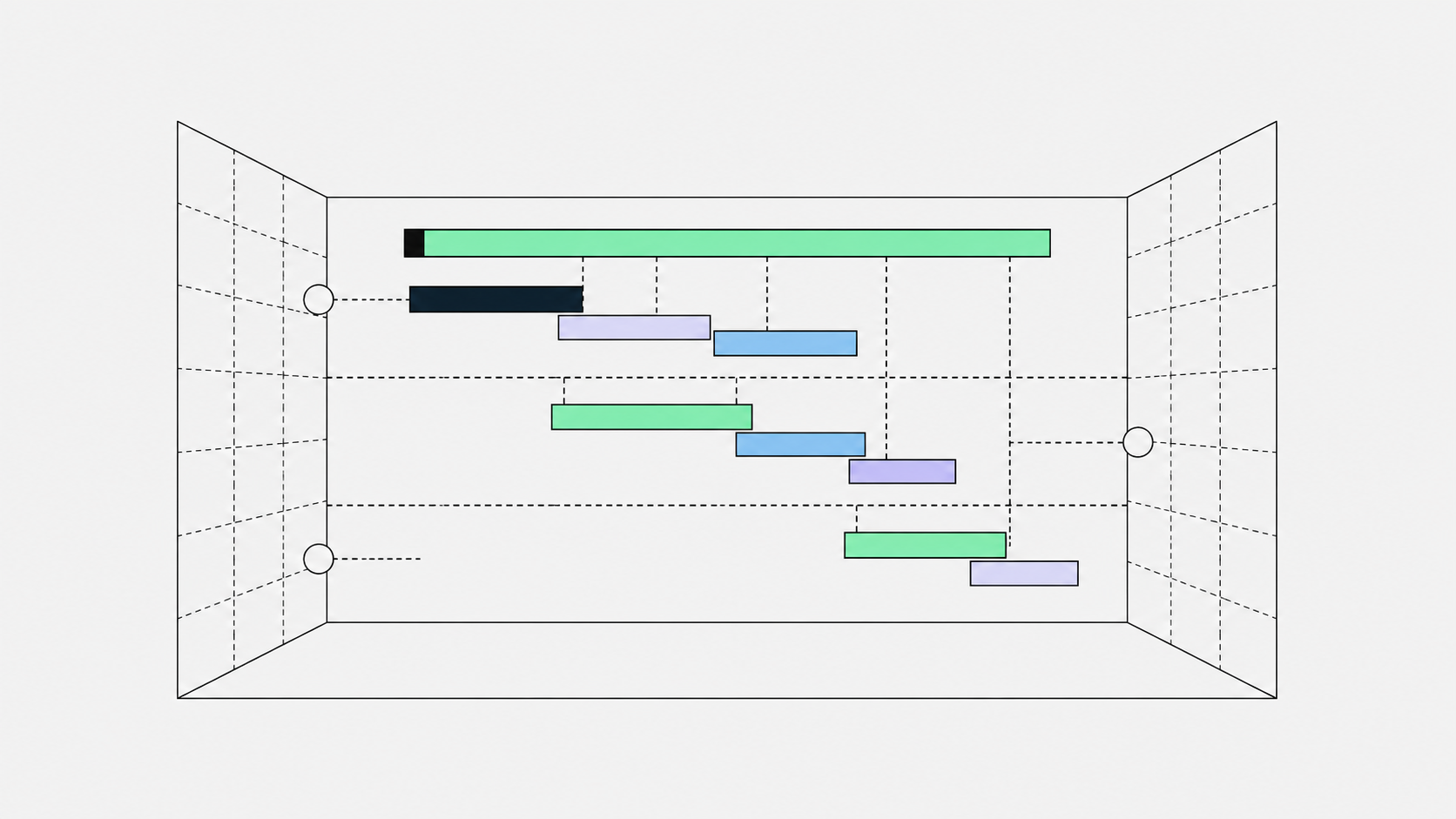
Building an agentic application is a loop: ask the agent a question, see how it responds, and when something’s off, investigate why. Most of the time it works, but when it doesn’t, it’s rarely caught in your local environment. It’s after you’ve deployed, on a request that behaved fine right up until it didn’t.
That’s the part that costs you: push a change, wait for it to land, run the request, then go hunting for the answer in a different tool, minutes removed from the moment you cared about it. DataRobot local tracing closes that gap, whether you’re working in an agentic application template directly, or using Agent Assist to do the scaffolding for you.
What runs on your local host
dr xp, the DataRobot experimentation CLI plugin, runs a local OpenTelemetry dashboard while you develop. Same open standard, same tracing model the platform uses post-deploy. What you see locally is what your agent actually did, live, with no deploy required.
Open the tracing page on localhost and see every request: which tools were called, in what order, latency, token counts, error logs. Filter by attribute, status, date range, or search.
How you get dr xp: the Agent Assist skill
Every DataRobot agent template ships with dr xp pre-installed and configured, so you don’t set it up separately. You can get to that template through the Agent Assist skill, which runs inside your coding agent: OpenCode, Claude Code, Cursor, or VS Code Copilot.
Install with:
npx ai-agent-skills install datarobot-oss/datarobot-agent-skillsThen start it with datarobot-agent-assist or a slash command.
From there, Agent Assist:
- Turns your natural-language description into a structured
agent_spec.md(YAML) - Can simulate agent behavior from that spec before any code exists, using mock tool calls
- Scaffolds code from a DataRobot agent template, which is where
AGENTS.mdanddr xpcome from, pre-configured, every time (not something Agent Assist generates from scratch per project) - Walks you through deployment (you run the deploy commands yourself)
The one case where you don’t automatically get this local dev experience: pointing Agent Assist at your own existing repo (the “Code an AI agent” or brownfield path) that wasn’t built from the DataRobot template. There, AGENTS.md may be minimal or absent, and dr xp isn’t there until you add the template’s tooling yourself.
Why it matters
The value isn’t just speed, though the loop does get shorter. It’s that you stop treating production as the place where you find out what your agent actually does. Every trace you watch locally, whether a clean run, a slow tool call, or an edge case that breaks a prompt, is something you caught while it was still cheap to fix, in the same window you’re already working in.
That changes what “ready to deploy” means. You’re not shipping on faith that a demo run generalizes; you’re shipping something you watched hold up across real requests, with a full record of why it behaved the way it did at every step. And because it comes bundled into the same Agent Assist skill you’re already using to scaffold and build the agent, none of this is a separate tool to learn or a separate habit to build. It’s just what’s there, from the first line of code.
Get started
To go deeper on dr xp commands, configuration, and the local tracing dashboard, see the experimentation plugin documentation.
Agentic AI capabilities are a premium feature. Enablement requires contacting a DataRobot representative.

Get Started Today.